 Tanuki Deck
1
Point the camera at a word
A sign, a menu, a textbook, a speech bubble. Drag your finger over the word you want — the app reads it and finds it in the dictionary, even mid-sentence.
Point your camera at a menu, a sign, a page of manga. Tanuki Deck reads the word and hands you a finished flashcard — dictionary reading, meaning, example sentence, picture and audio — in under 30 seconds.
Try it free for 7 days. iPhone and Android.
Tanuki Deck does one thing: it gets a word you just met into a card you'll actually review, before the moment passes. Everything else is weight.
A sign, a menu, a textbook, a speech bubble. Drag your finger over the word you want — the app reads it and finds it in the dictionary, even mid-sentence.
Reading, meaning, part of speech, JLPT level, an example sentence with furigana, an illustration and a native voice. Facts come from the dictionary, never guessed.
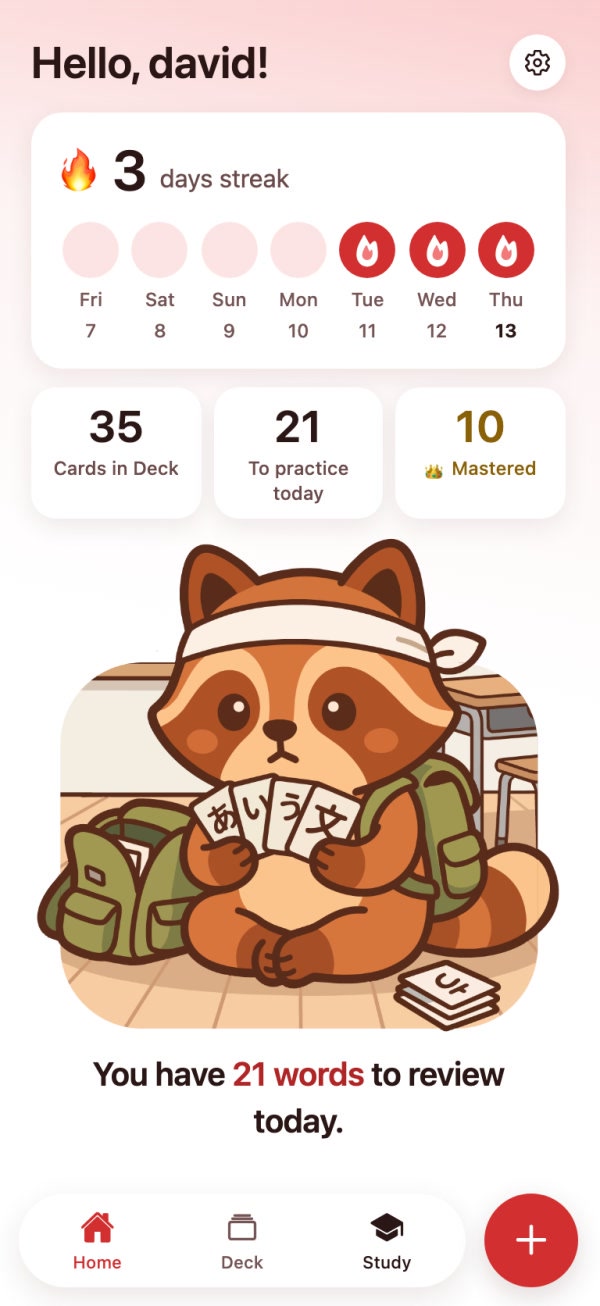
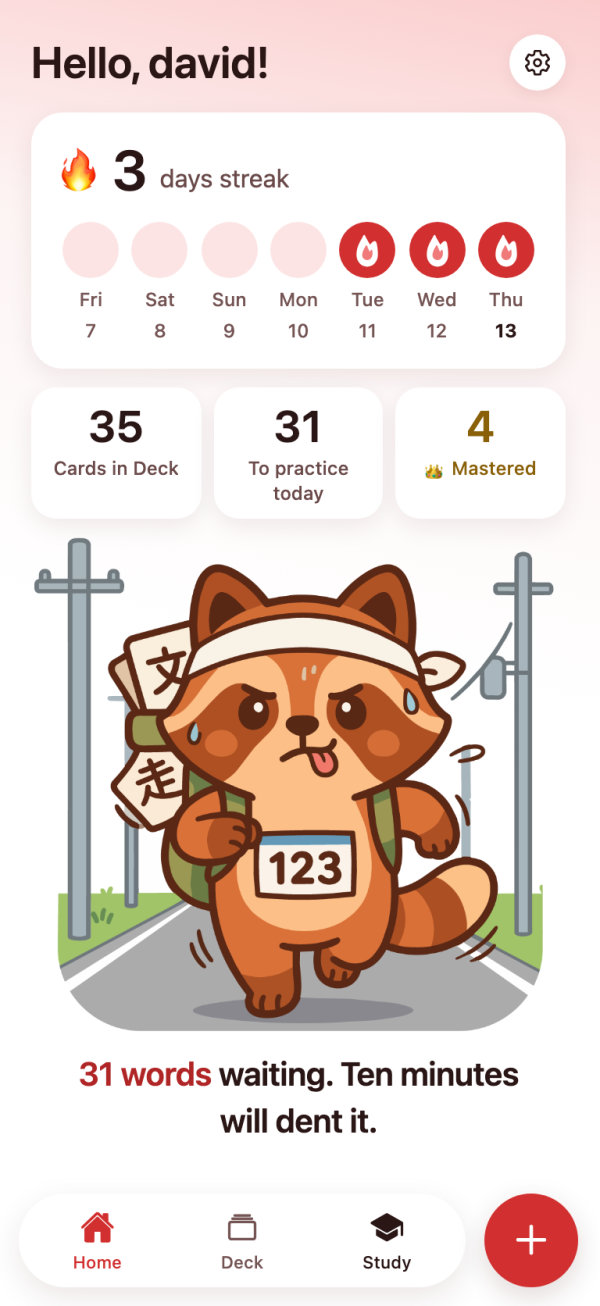
Each day Tanuki deals the cards about to slip. Flip one, tap how well you remembered it, and the schedule takes care of the rest. Keep the streak; skip the nagging.

Tap the card to flip it over — drag to tilt it.
Not a word and a translation. A card you'd be happy to find in a real deck.
Every word you catch lands in your deck, framed by its level. Filter by N5–N1, group cards into your own decks — one menu, one chapter, one exam — and see how many other collectors hold the same word. Tap a level to meet one of its cards.
Each card comes back right before you'd forget it. Ten minutes a day keeps a deck of hundreds alive.

Already keep an Anki deck? Export any level, any custom deck or your whole collection as a real .apkg — pictures and audio included — and never think about this app again if you don't want to.
Everything is included — reviews, streaks, audio, Anki export. The subscription covers the words you catch each month, and there's a bigger net for when Japanese is everywhere.
Prices in EUR, billed through the App Store or Google Play. Cancel anytime; unused cards don't roll over. Reviewing the cards you already own is never limited.
No. Tell the app you're just starting and every card shows rōmaji under the reading and the example sentence. Switch it off in Settings the day you don't need it anymore.
Anything printed or on a screen: signs, menus, packaging, textbooks, manga, subtitles, game dialogue. Handwriting works when it's neat. If there's no Japanese in the shot, the app says so and asks you to get closer.
The facts on a card — reading, meaning, part of speech, JLPT level — come from the dictionary, never from an AI guess. Only the example sentence, the picture and the voice are generated, and you can regenerate any of them.
They're read for their words and discarded. Your cards and their media are stored in your account; the photo itself never is.
Yes. Export a level, a custom deck or everything as a .apkg with pictures and audio, open it in Anki, and it's a normal deck. Exporting again updates the same notes rather than duplicating them.
Yes — sign in with Apple or email and your deck follows you. Progress syncs, so a review on one phone counts on the other.

Seven days free, nothing to set up. Your first card is waiting in the app.
Download on the App StoreComing soon to the App Store and Google Play.